If your business needs to add a new starter or process a leaver, you can submit a request quickly through The HBP Group Portal.
If you don’t currently have portal access, you can still request changes by contacting our support team directly.
Submitting requests through the HBP Group Portal
If your organisation is signed up to our Portal, the process is simple.
Option 1: Use the Links Below
Click the relevant link below:
You’ll be taken straight to the correct form.
If you aren’t already logged in, you’ll be prompted to sign in first.
Option 2: Submit the request from inside the Portal
- Log in to the HBP Group Portal
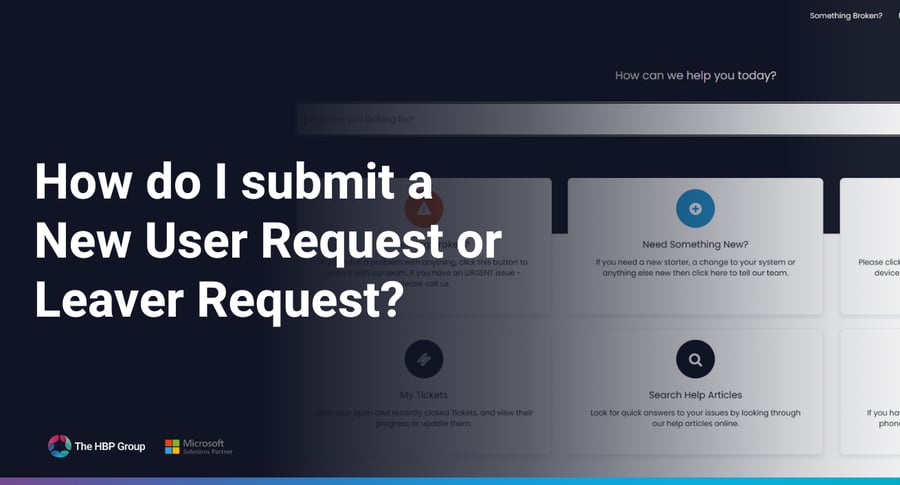
- Select “Need Something New?”
- Choose one of the following:
- New Starter Request
- Leaver Request
- Complete the form and submit your request
If you don’t have Portal access
If you aren’t currently signed up to the Portal, you can still submit New Starter or Leaver requests by contacting our support team.
Email: itsupport@thehbpgroup.co.uk
Phone: 01724 400304
Our team can:
- Raise a New Starter Request on your behalf
- Process a Leaver Request for you
- Help you request access to the Portal for future submissions
Portal video guide
Not a customer of The HBP Group?
If you'd like to find about more about how The HBP Group can provide support for your business please visit our Managed IT Services page.





.png?width=2484&height=10&name=HBP%20Gradient%20Bar%20(210mm).png)
.png?width=100&name=HBP%20Gradient%20Bar%20(210mm).png)
 info@thehbpgroup.co.uk
 01482 423910