



BUSINESS CENTRAL DEMO

Watch Our Pre-Recorded Microsoft Dynamics 365 Business Central Demo.

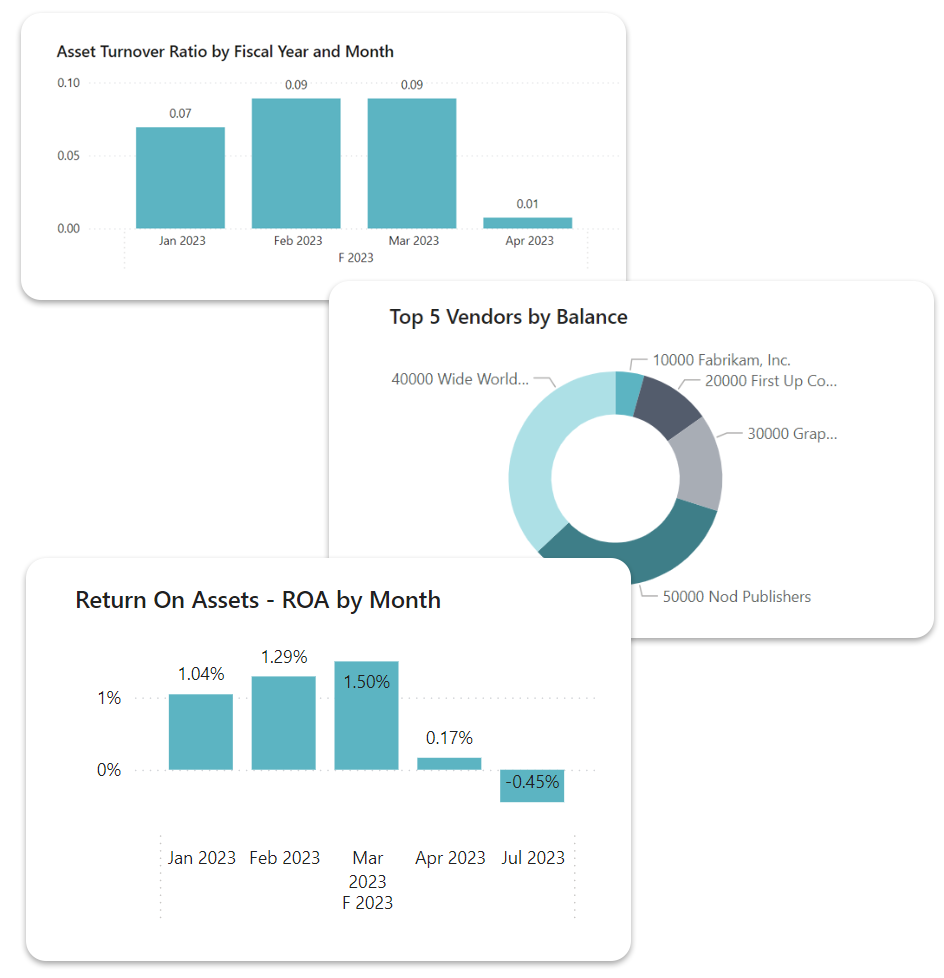
This on-demand Business Central demo is a concise video walkthrough showcasing Microsoft Dynamics 365 Business Central’s core dashboards, navigation features, AI and integration highlights.

Watch The Business Central Demo

Fill out some basic details and get instant access to the on-demand MD365BC demo.
Dynamics-Features-Tall

Watch the Business Central Demo Instantly

What Can You Expect From The Microsoft Dynamics 365 Business Central demo?

Want to see the system in action? Watch our on-demand demo - a video walkthrough that provides:

  • A visual overview of the dashboard and interfaces
  • Key workflows across finance, sales, purchasing and inventory
  • Insight into Business Central’s automation, reporting capabilities and Microsoft 365 integration
It’s a low-pressure, informative look at how the system works and whether it's right for your business.

Frequently Asked Questions
What is included in the Business Central demo?

Our Business Central demo includes an on-demand video walkthrough showing the dashboard, navigation, and key features such as finance, sales, purchasing, inventory, and reporting tools.

You’ll also see how it integrates with Microsoft 365 and works in real-world business scenarios.

How long does the Business Central demo take?

The pre-recorded demo takes just 30 minutes to watch. It’s designed to give you a quick but comprehensive overview of Business Central before deciding if you’d like a personalised live session.

Is the demo live or pre-recorded?

The initial demo is pre-recorded for convenience. After watching it, you can request a live, 1-to-1 session tailored to your industry, processes and specific requirements.

What should I do after watching the video walkthrough?

Once you’ve watched the video:

  1. Request a full demo, or 
  2. Request a consultation to explore pricing and implementation, or

What's included in your managed IT support services?

Our managed IT support service cover every element of your IT network and infrastructure. This includes proactive system monitoring, remote and on-site support, security management, and strategic IT consulting. The specific features included vary based on the plan you choose.

How Does The Implementation Process Work?

Our implementation process begins with a thorough understanding of your organisation's needs, followed by system configuration, data migration and user training. We also offer a proof of concept to demonstrate how the system will work for your business before full deployment.

Do You Provide Ongoing Support After Implementation?

Yes, we offer full UK-based support packages that cover troubleshooting, system optimisation, updates, and training. Our aim is to make sure you get the most from your Business Central setup long after go-live.